Present Your Designs in Seconds
Transform any selected Figma frame into a realistic, scrollable device or print preview. Review your work in context, catch layout issues, and create stakeholder-ready presentations without setting up a prototype.
No prototype setup. No manual exporting.

Pick a frame · Drag to pan · ⌘/Ctrl + scroll to zoom
Preview. Validate. Present.
Three ways Mockstage helps you move from selected frame to stakeholder-ready presentation.
Preview
Instantly display any selected Figma frame inside a realistic phone, tablet, desktop, browser, laptop, or print format.
Validate
Review spacing, typography, visual hierarchy, scale, and overall composition in a realistic presentation context.
Present
Create polished, scrollable previews and presentation-ready screenshots for stakeholders, clients, teams, portfolios, and design reviews.
Five steps, no prototype required
From selecting a frame in Figma to sharing a polished screenshot.

- 1Step 01
Select a frame
Choose any wireframe, UI screen, design system page, website, dashboard, or print layout in Figma.
- 2Step 02
Open the plugin
Launch Mockstage directly from your Figma file.
- 3Step 03
Choose a format
Select a phone, tablet, desktop, browser, laptop, or print presentation.
- 4Step 04
Customize the view
Pick the device color, background treatment, and available presentation settings.
- 5Step 05
Generate and present
Open a realistic, scrollable preview and capture a screenshot when needed.
Scroll horizontally to see all five steps →
Skip the presentation setup
Spend less time preparing the presentation and more time improving the design.
- Export screen
- Find a device mockup
- Place the image manually
- Resize and crop
- Build a prototype when scrolling is needed
- Capture or rebuild the presentation
- Select frame
- Choose device
- Choose color
- Generate preview
- Scroll
- Capture screenshot

Everything you need for a design review
Focused on presenting and validating — not on rebuilding prototypes.
Scrollable device previews
Review long screens naturally inside the selected device.
Multiple digital formats
Support phones, tablets, laptops, desktops, and browser presentations.
Print presentations
Show print layouts in realistic presentation formats.
Device customization
Choose available device styles and colors.
Screenshot capture
Capture the design and device together for presentations and documentation.
Native Figma workflow
Work directly from the selected frame without manually exporting it first.
Fast design reviews
Use the preview during stakeholder, client, and internal review sessions.
Contextual validation
Spot layout, spacing, scaling, and composition issues more easily.
Digital and print, in one plugin
Pick from a growing library of realistic presentation formats.
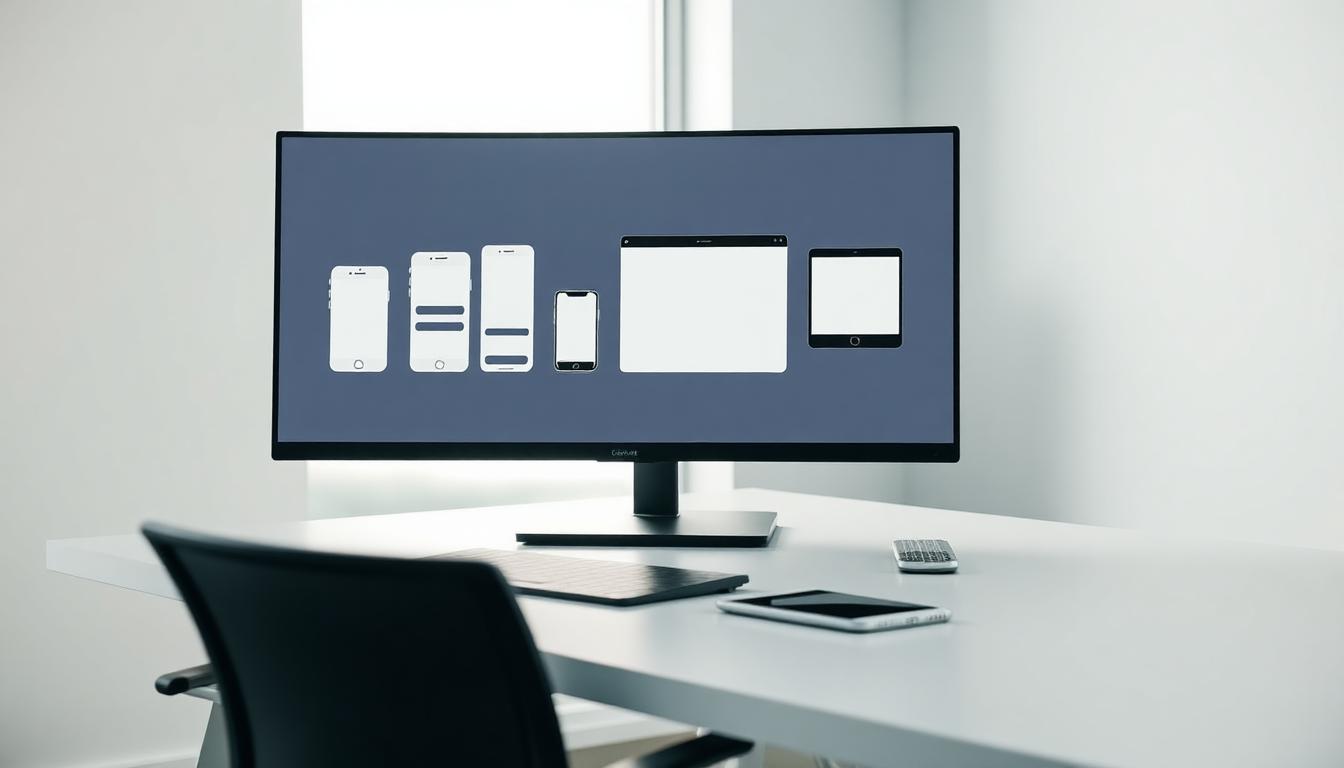
Mobile
- iPhone
- Android phone
Tablet
- iPad
- Android tablet
Desktop
- Laptop
- Desktop monitor
- Browser window
- Poster
- Flyer
- Document
- Presentation board
Available formats may vary by version.
Perfect for every design review

See it in action
Switch formats to preview how Mockstage frames your design in each device.
Built for designers, not prototypers
Built for anyone who needs to present a design clearly without spending extra time preparing a prototype or manually assembling device mockups.
What's here today, and what's next
We're honest about current functionality — planned features are clearly separated.
- Select a Figma frame
- Choose a digital or print format
- Choose a device color
- Generate a device preview
- Scroll through long designs
- Capture screenshots
- More devices and print formats
- Batch preview generation
- Additional background controls
- Presentation templates
- Before-and-after comparisons
- Export improvements
- Optional multi-screen presentation tools
- Favorites (favorite frequently used devices)
- Device collections
- Custom brand devices
- Device shadows and lighting options
- Batch preview of multiple frames
- Side-by-side comparison mode
- Multiple devices on one canvas
- Presentation mode
- Export directly to PNG/PDF
- Team presets
- Interactive hotspots
- Smart auto-detect phone/tablet/laptop frame sizes
Frequently asked questions
Ready to present your design?
Select a frame, choose a format, and create a scrollable, presentation-ready preview in seconds.